Admin chat
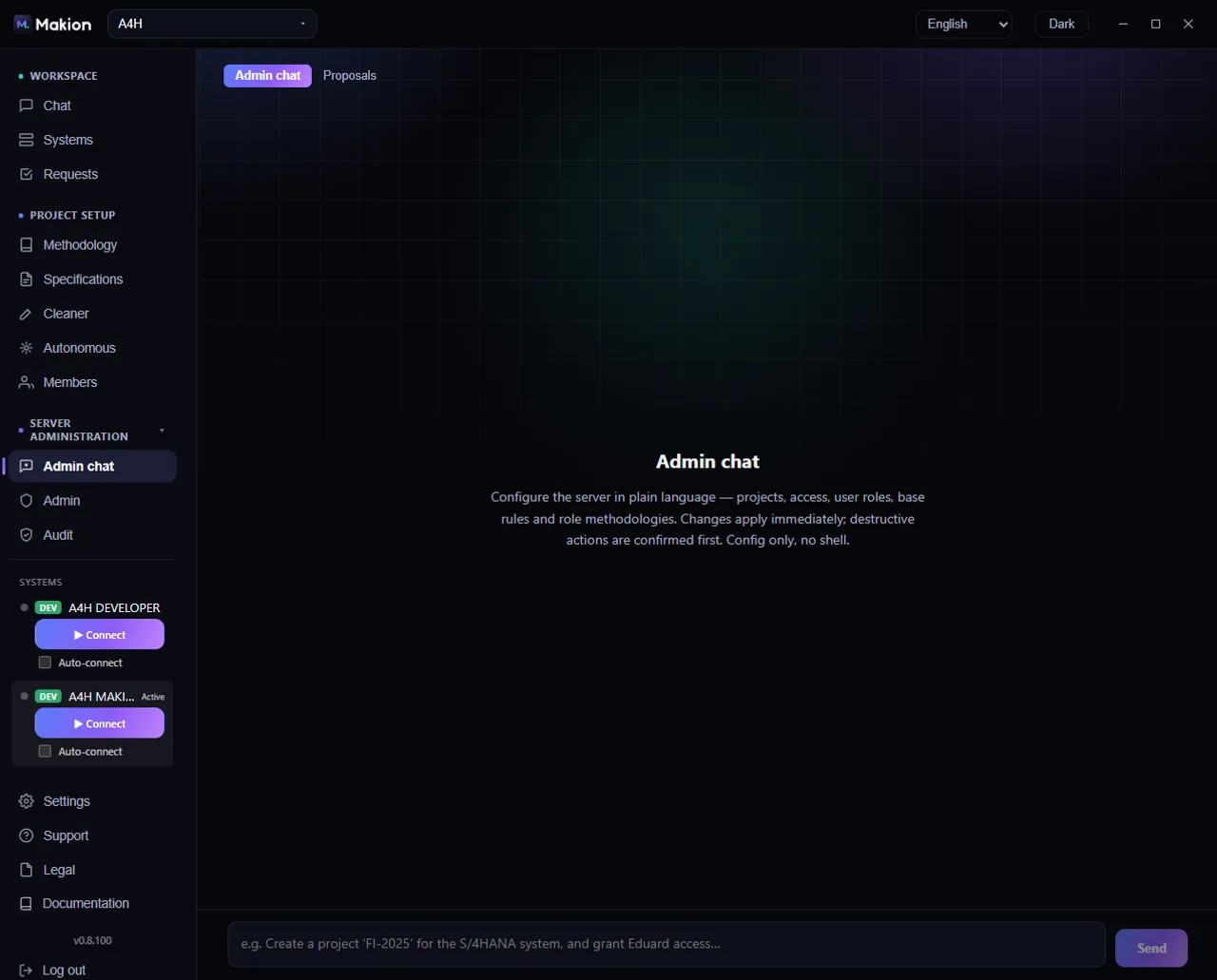
Admin chat is a plain-language way to configure the server. Instead of clicking through the Admin and Methodology tabs, you describe what you want — "create a project, give Anna access, tighten the naming rule" — and Makion makes the change. It is reached from the Admin chat entry in the navigation and is visible only to a superadmin.
The surface has two sub-tabs: Admin chat and Proposals (N).
Admin chat#
The Admin chat sub-tab is a conversation that configures the server in natural language. You can:
- Create projects and set their profile.
- Grant access and set user roles.
- Edit base rules and role methodologies.
Two things make it safe to use:
- Changes apply immediately — there is no separate publish step for ordinary configuration.
- Destructive actions are confirmed first — anything that removes or overwrites asks you to confirm before it runs.
Admin chat is config-only. It edits Makion's own configuration — projects, access, roles, rules. It has no shell access and cannot run commands on the server or touch anything outside Makion's settings.
When the chat is empty it offers example prompts to get you started, such as "Create a project 'FI-2025'…". New chat clears the conversation and starts fresh.
Proposals (N)#
The Proposals (N) sub-tab holds the Retro panel — Makion's learn-from-mistakes queue, where the system proposes rule, knowledge and code fixes mined from past sessions. The count (N) is how many proposals are waiting. This is documented in full on its own page: Retro — learning from mistakes.
You can also drive Retro from the Admin chat sub-tab by typing a command like /retro since=YYYY-MM-DD to mine sessions from a given date.
When to use Admin chat vs the tabs#
| You want to… | Fastest surface |
|---|---|
| Make a quick change described in one sentence | Admin chat |
| Review or bulk-edit a project's full methodology | Methodology tab |
| Toggle per-project settings in a grid | Admin tab → Projects table |
| Grant several people access at once | Admin tab → Project access |
| Review the agent's self-proposed fixes | Proposals → Retro |
Where to go next#
- Retro — learning from mistakes — the Proposals queue in detail.
- Methodology — base rules, roles and knowledge base.
- Configuring projects — the full project-setup checklist.
- Users & access — roles and per-project access.