Audit trail
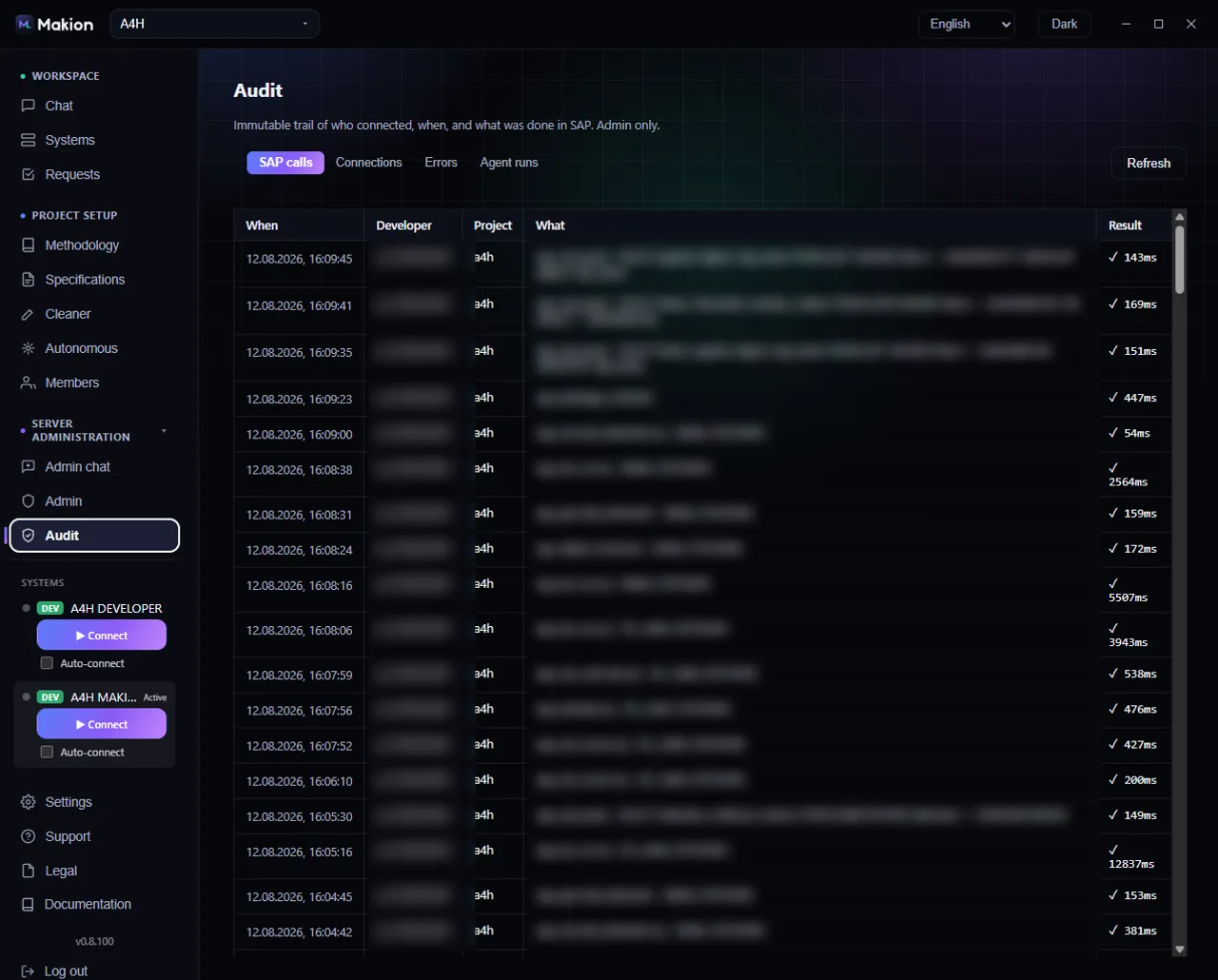
The Audit tab is an append-only trail of who connected, when, and what was done in SAP. It is the accountability backbone of Makion: because an AI agent acts inside your system, every connection and every SAP action is recorded and attributed to a developer and a project. Audit is a superadmin surface, reached from the Audit entry in the navigation.
The four tabs#
Audit is split into four tables. Each has the same columns — When / Developer / Project / What / Result — so you can read them the same way:
| Tab | What it records |
|---|---|
| SAP calls | Individual operations against SAP — reads and writes made through the ADT interfaces. |
| Connections | When developers connected to a SAP system, and to which one. |
| Errors | Failures and rejected operations. |
| Agent runs | Whole agent runs — each task the agent carried out. |
| Column | What it shows |
|---|---|
| When | Timestamp of the event. |
| Developer | The person the action is attributed to. |
| Project | The project the action ran under. |
| What | The operation — the SAP call, connection, error, or run. |
| Result | The outcome. |
Use Refresh to pull the latest entries.
Why it matters#
The audit trail is what makes AI-assisted work in SAP defensible: nothing the agent does is anonymous, and nothing is off the record. Combined with Makion's hard limits — read-only roles that physically cannot write, permanently disabled object deletion, and the human approve-and-apply gate in Autonomous mode — the trail gives you after-the-fact proof of exactly what happened, by whom, in which project. The full picture of these guarantees is in the Security model.
The trail is append-only — entries are a record, not something an admin edits or clears. Read it to answer "who did what, when, and did it succeed?"
Where to go next#
- Security model — the guarantees the audit trail underpins.
- Autonomous mode — the propose → approve → apply gate for unattended runs.
- Users & access — the developers and projects entries are attributed to.